
Reply to customers from your phone
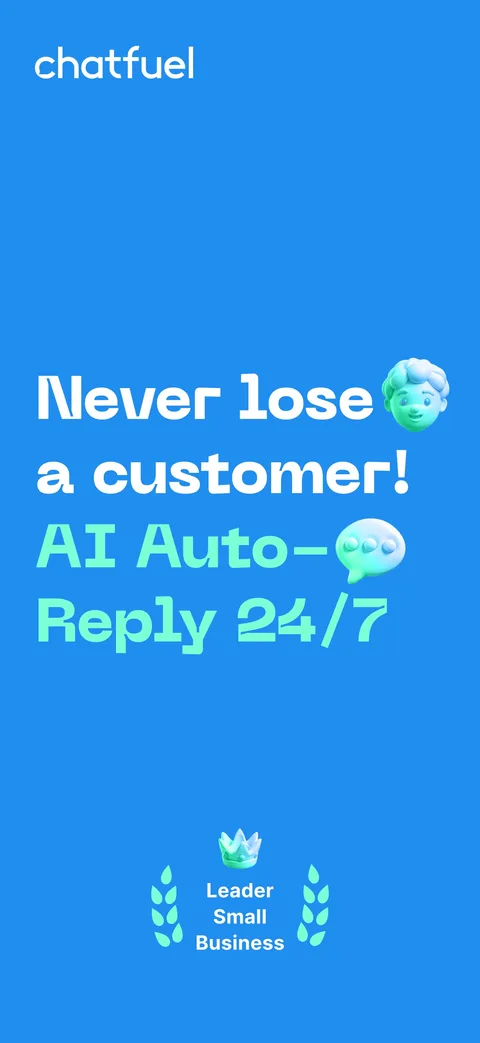
The Chatfuel mobile app puts your inbox on iPhone and Android. Answer WhatsApp, Instagram, and Facebook chats, take over from AI Agent, and get a push for every new chat and booking.


- iOS 15.6 or later
- Android 8.0 or later
- Free to download
Trusted by agencies and businesses





- Official Meta Partner
- 7M+ clients since 2015
Customers write when you’re away from the desk
Chats and bookings come in all day. When the inbox lives only on a laptop, customers wait until someone sits down again.
- Replies wait for the laptopA customer writes while you’re out, and the answer waits until you’re back at the desk.
- Handoffs nobody seesAI Agent passes a chat to a person, but nobody notices that it’s waiting.
- Bookings found hours laterA new appointment lands in the dashboard, and nobody sees it until the end of the day.
- Alerts tied to a browser tabBrowser notifications reach you only while the dashboard tab is open.
What you can do in the app
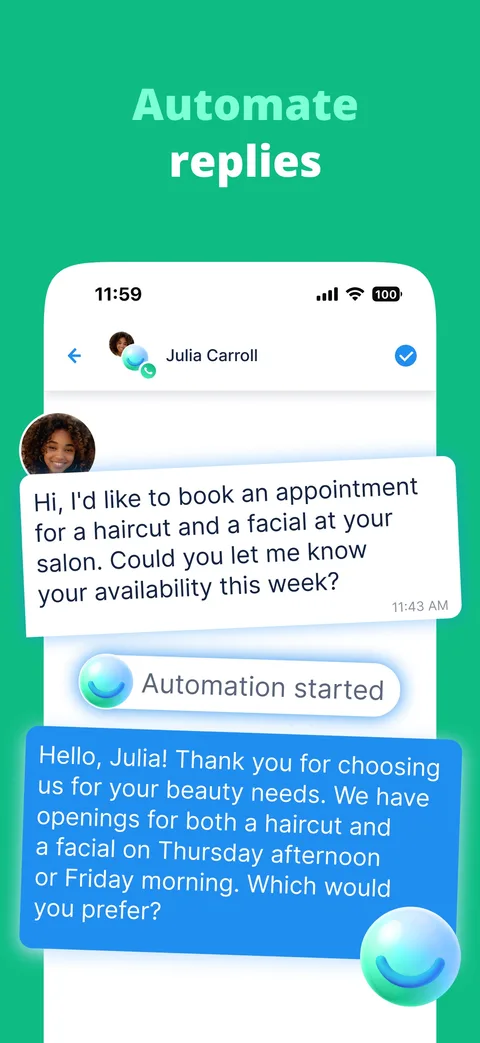
- Reply on the goAnswer customers on WhatsApp, Instagram, and Facebook in real time.
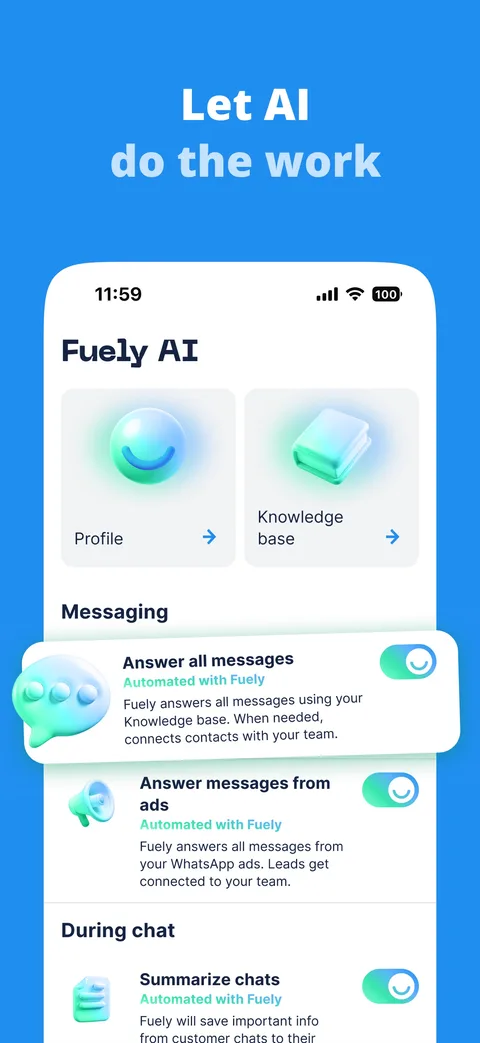
- Take over from AI AgentRead the chats AI Agent handles and step in when a person should reply.
- Alerts for new chatsGet a push when a customer writes in a chat assigned to you or waiting for a human.
- Booking alertsKnow about a new booking the moment a customer makes it.
- Invite teammatesAdd teammates and manage account settings right from your phone.
How to start with the app
- DownloadGet Chatfuel on the App Store or Google Play.
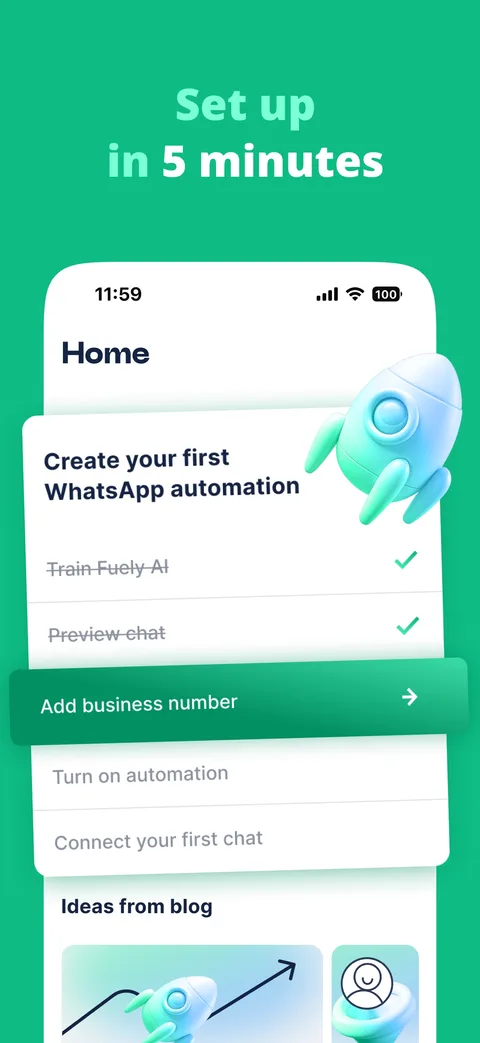
- Sign inUse your Chatfuel account. Your channels and chats are already there.
- Allow notificationsTurn on push notifications for Chatfuel in your phone settings.
- Reply from anywhereOpen a chat from the push and answer. AI Agent stops when you reply.
Learn more about the mobile app
- Live chat
One inbox where your team and AI Agent answer customers on every channel.
Read more - Install the app
Download links, signing in, and what your phone needs.
Read more - Alerts for chats and bookings
Set up push notifications in the app and in your browser.
Read more - WhatsApp CRM
Every chat becomes a lead card your team takes to a closed deal.
Read more
Chatfuel mobile app FAQ
It’s the Chatfuel inbox on your phone. You read and answer customer chats from WhatsApp, Instagram, and Facebook, take over conversations from AI Agent, and get push notifications about new chats and bookings.
Yes, the app is free to download on the App Store and Google Play. It works with your Chatfuel account and plan.
iPhone with iOS 15.6 or later and Android phones with Android 8.0 or later.
No. Sign in with the same account you use in the Chatfuel dashboard, and your connected channels and chats are there. If you don’t have an account yet, the app creates one when you sign in.
The app works only with current Chatfuel accounts. If your bots are in Chatfuel Legacy, the version with the drag-and-drop flow builder, that’s a separate account the app can’t open. Legacy accounts keep working in the browser.
Yes. Open a chat that AI Agent is handling and send a reply. The AI stops answering in that chat, and you continue the conversation with the full history in front of you.
A push when a customer writes in a chat assigned to you or waiting for a human reply, and a push for every new booking.
Check that notifications for Chatfuel are allowed in your phone settings, that Do Not Disturb is off, and that you’re signed in to the app.
Yes. Browser notifications work while the dashboard tab is open on your computer, and the app keeps you reachable when you’re away from your desk. You can use both.
Take your inbox with you
Free on the App Store and Google Play. Works with your Chatfuel account.