
Turn every Instagram conversation into a sale
Every “send me the link” comment becomes a DM, a lead, and a sale — automatically, so you can get back to creating.
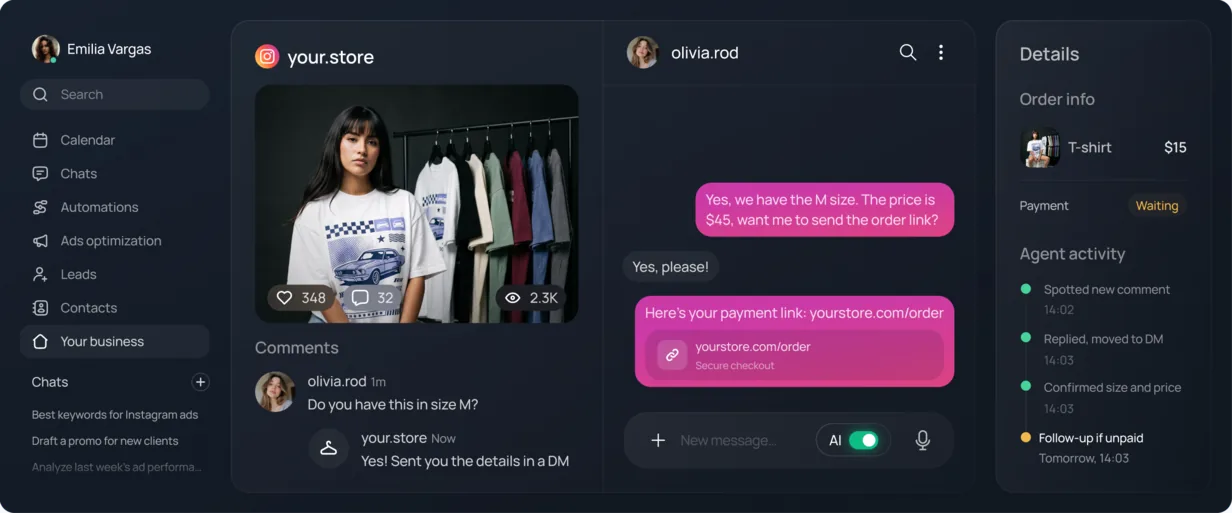
150,000+ businesses running on Chatfuel
Join thousands of marketers who have already automated their Instagram sales.
 Dora TsengGoSky AI Agency
 CJ HutsenpillerTacobot
 Swayam DhawanCodeYE Media
 Ferdinand KjærulffGrowthBond
- Official Meta Partner
- WhatsApp Business Solution Provider
No code, no waiting
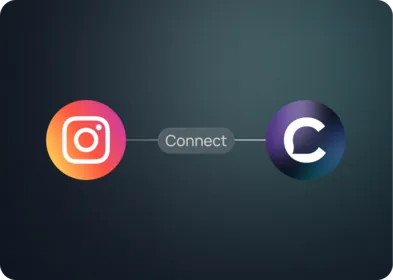
Connect your Instagram account
Official Meta integration — no scraping, no workaround tools that put your account at risk.
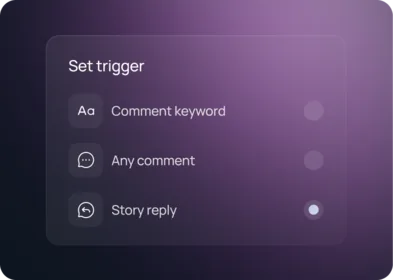
Set your triggers
A keyword in a comment, a story reply, or any comment at all — your choice.
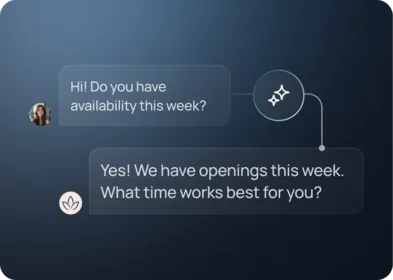
The AI takes it from there
It DMs instantly, shares relevant content, and hands off when needed.
What your Instagram can actually do
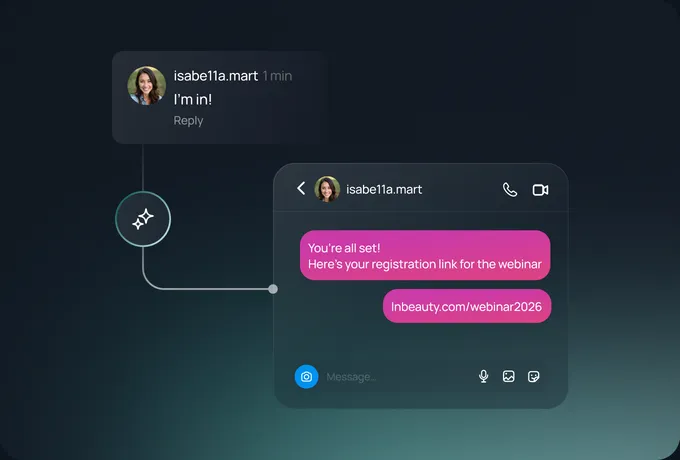
Turn a comment into a DM, automatically
Someone comments a keyword under your post or reel; they get the link, lead magnet, or answer instantly in a DM.
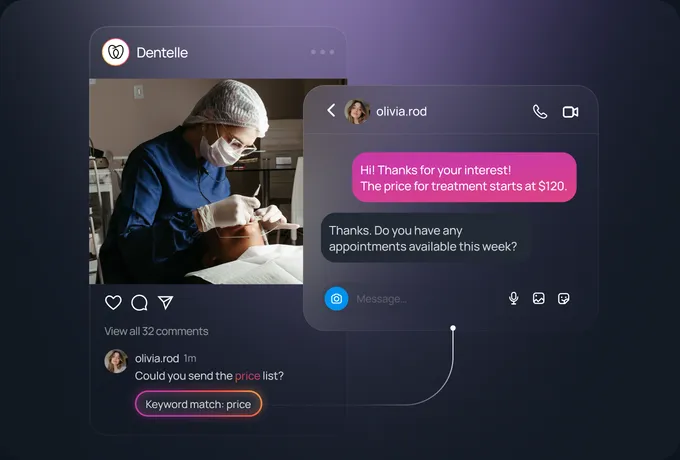
Grow your list without paid ads
Every comment becomes a contact you can follow up with, not a one-time interaction.
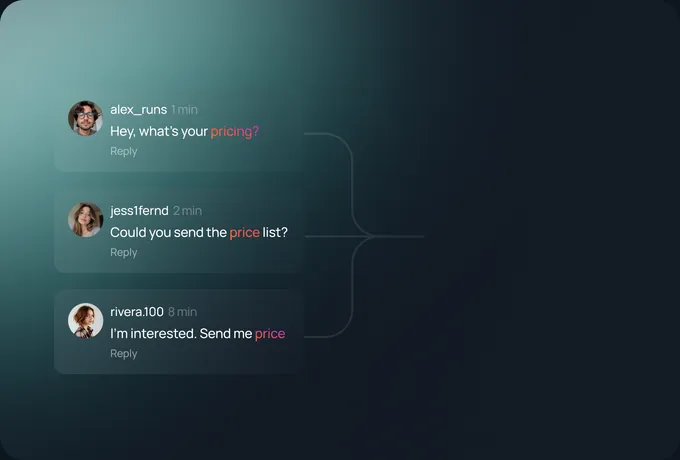
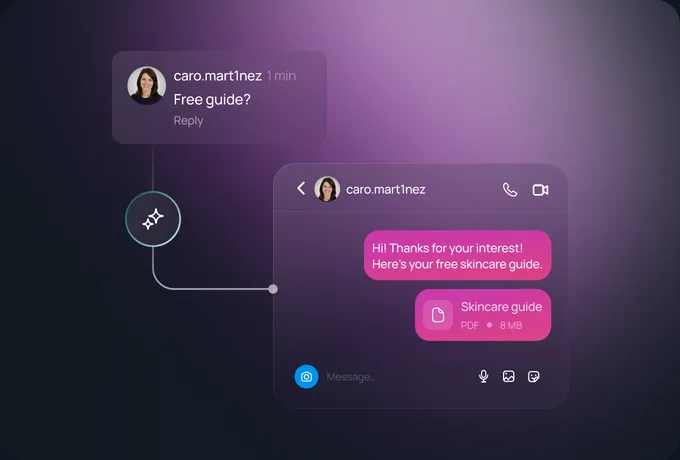
Deliver your lead magnet the moment someone asks
Free guides, ebooks, prompt packs, or course info, sent the second a comment triggers it.
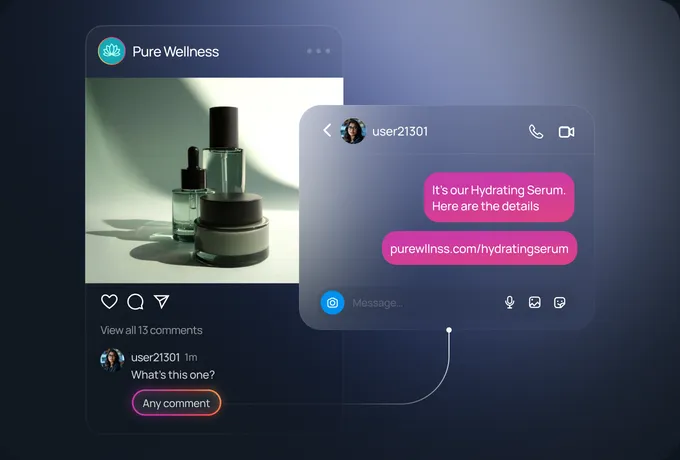
Sell the product someone just asked about
Ecommerce “which one is this?” comments get answered and routed toward a sale in the same thread.
Fill your next webinar or launch from your own comments
Turn engagement on a launch post directly into registrations.
Built for the accounts already running on it
 Fitness & health content creators
 Online education
 Affiliate creators
 Ecommerce
 Creators & info-business
However you want to build on Instagram, there’s a path for it
Ready to use
The Chatfuel interface, set your triggers and go.
Flexible
Connect your own stack through our API.
White-label
Agencies resell Chatfuel under their own brand through the SDK.
Official, not a workaround
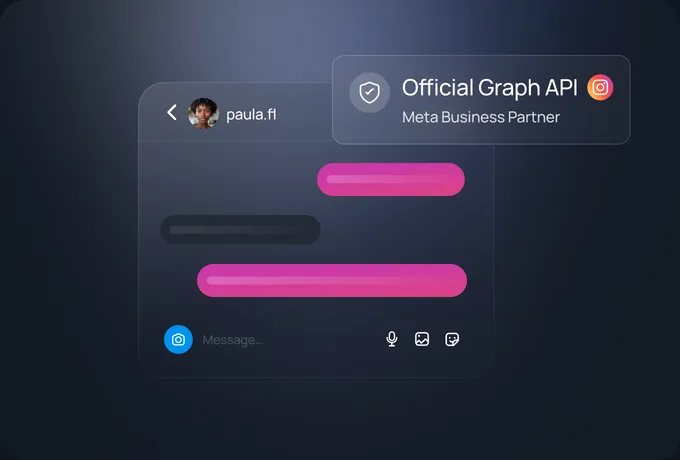
Chatfuel connects to Instagram through Meta’s official Graph API — not scraping or unofficial automation that can get an account restricted or banned under Instagram’s terms.
Your account and your audience stay safe.
Simple pricing, credits included
Plans start at $20 a month with $20 in credits for AI replies and messaging. Every channel, unlimited contacts and teammates, no seat fees.
Business plan
$20/mo
- $20 in credits every month
- All channels included
- Unlimited contacts & team
7-day free trial
Learn more about Instagram automation
- Instagram comment automation
Turn comments into DMs and qualified leads with keyword triggers.
Read more - How to make an Instagram chatbot
What Instagram chatbots are and how to build your first one.
Read more - Comment-to-DM automation kills “link in bio”
Why DM flows convert better than sending people to your bio.
Read more - 5 best Instagram messaging sales tools (2026)
How the leading Instagram DM tools compare for sales teams.
Read more
FAQ
Answers to the questions we get asked most.
Not through Chatfuel. We connect via Meta’s official Graph API, the same access method Meta’s own partners use — not scraping or unofficial workarounds. Spammy behavior (identical replies sent in bulk, ignoring Meta’s messaging limits) can still get flagged regardless of which tool you use, so set up triggers and replies the way you’d want a real person to use them.
Yes. Each Instagram account connects to its own bot, and you switch between them from one login. The Business plan includes one bot, Agency up to three, and Agency S and above are unlimited.
You need a professional account, business or creator. If yours is personal, the connection flow walks you through switching, and your posts and followers stay as they are.
Like you. Describe the AI agent’s tone, language, message length, and emoji use in plain words, with example replies, and it answers from your own knowledge base. For comments you can also use a fixed text you wrote and add a short typing pause.
No. Connecting Instagram takes a couple of minutes; then you turn on replies and add your business info in the dashboard, or just tell the AI Co-pilot what you want. No code, nothing to build.
Yes. Reels are covered by the same post and reel comment automation as regular posts, and you can target specific Reels or keywords. Ad comments and Story replies have their own automations too.
Yes, for developers. The Chatfuel Public API lets your server send and read Instagram DMs, publish posts and Reels, and set up comment replies and the AI agent. You still need a Chatfuel account, and the Instagram account is connected through Instagram’s own authorization.
An Instagram chatbot replies to direct messages, comments, and Story replies automatically, using keywords, rules, or AI. With Chatfuel you set it up without code: the AI agent answers questions, shares links and offers, collects contact details, qualifies leads, and hands the chat to a person when it needs one.
Replies to direct messages, comments on posts and Reels, Story replies, and comments on your ads. The AI agent answers questions, shares products and links, collects contact details, books appointments, and qualifies leads.
With Chatfuel you add a handoff condition — for example, “when someone is ready to buy, hand the chat to me.” Until then the AI Agent sends the link and answers questions; once the condition is met, it steps back and the conversation lands in your Chats inbox like any other message, with a notification. As one business owner using comment-to-DM automation put it: “Stop replying to my DMs. I want to reply myself. Do not reply to messages in my DM if not part of an automated comments to DM automation.”
Yes. Comments and direct messages are separate automations in Chatfuel, and the direct-messages one stays off until you turn it on. With only comments on, the AI Agent replies to commenters and to the DMs they send over the following day or so; nobody else’s DMs get an automated answer. To confirm it yourself, comment the keyword from a second account, then send a direct message from an account that never commented. Only the commenter should get an automated reply.
Yes. Instead of dragging trigger and message blocks onto a canvas, you tell the AI Co-pilot what should happen (“reply to PRICE with the catalog link, then ask which size they need”) and it sets up the comment automation for you. Because the AI Agent writes each reply, it responds to what the person actually wrote, not with one fixed template.